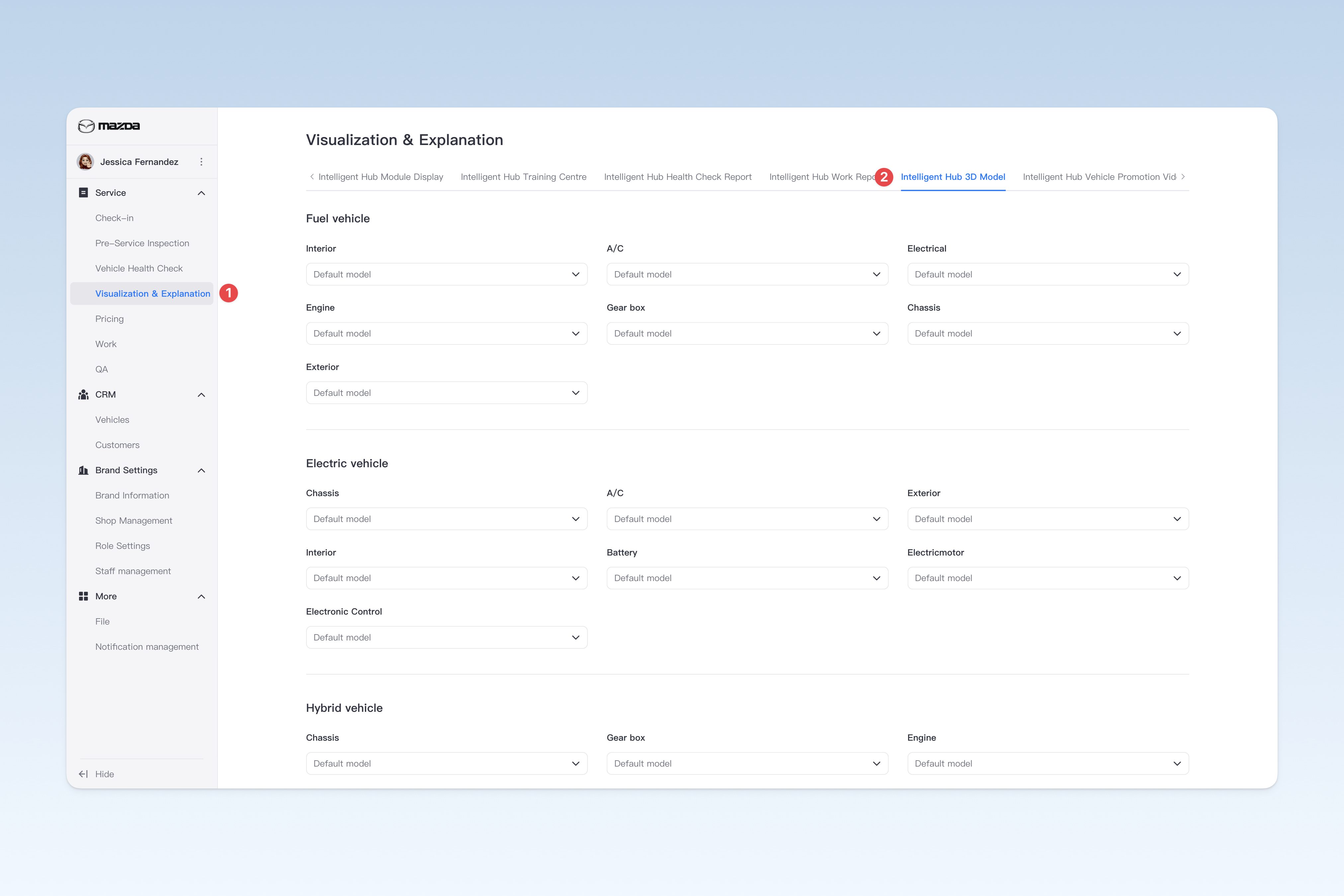
◎ Setting Default 3D Models for Intelligent Hub
Default model settings are used to customize the initial display content of 3D model pages on the Intelligent Hub. You can set default exterior models and component models for fuel vehicles, hybrid vehicles and electric vehicles respectively. Once configured, when staff access the 3D model page through the Intelligent Hub app, the system will automatically display the set default models.
The AutoX3 system has built-in model libraries for many vehicle brands. You can set the models under your group as the default display models, so when customers enter the 3D display page through the Intelligent Hub app, the system will prioritize displaying your brand/model and related component models. This personalized display not only highlights brand features, but also brings a more professional experience to customers.
⚠️ Tip: Shop staff can also change the default model for vehicle appearance through Intelligent Hub App > Settings > Model Management page.
📍 You can configure related content in: AutoX3 Brand Management Dashboard > Service Management > Visualization & Explanation > Intelligent Hub 3D Model.