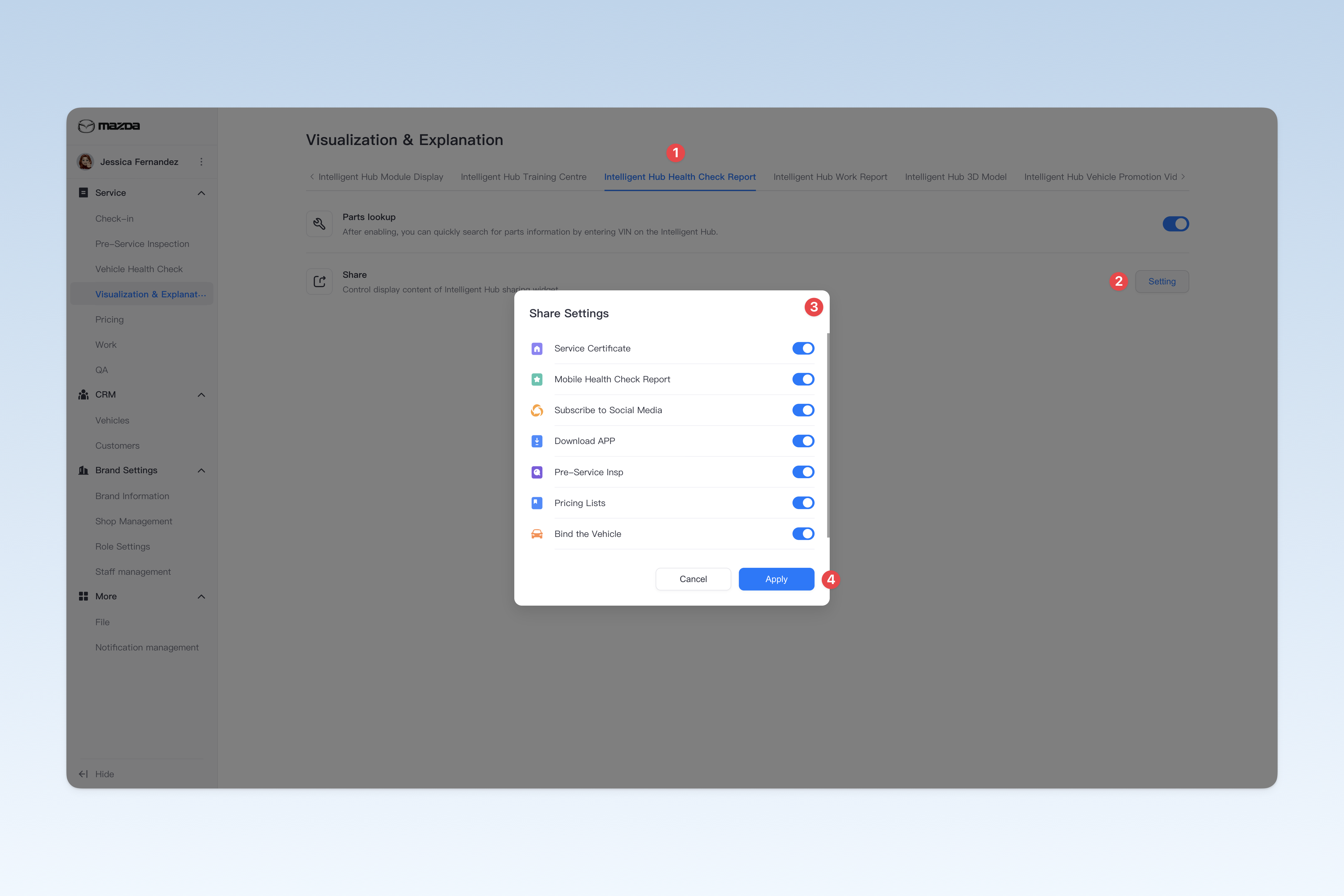
◎ Intelligent Hub Health Check Report Settings
This page is used to configure the display and settings of health check report features in the Intelligent Hub app.
📍 You can configure related content in: AutoX3 Brand Management Dashboard > Service Management > Visualization & Explanation > Intelligent Hub Health Check Report.
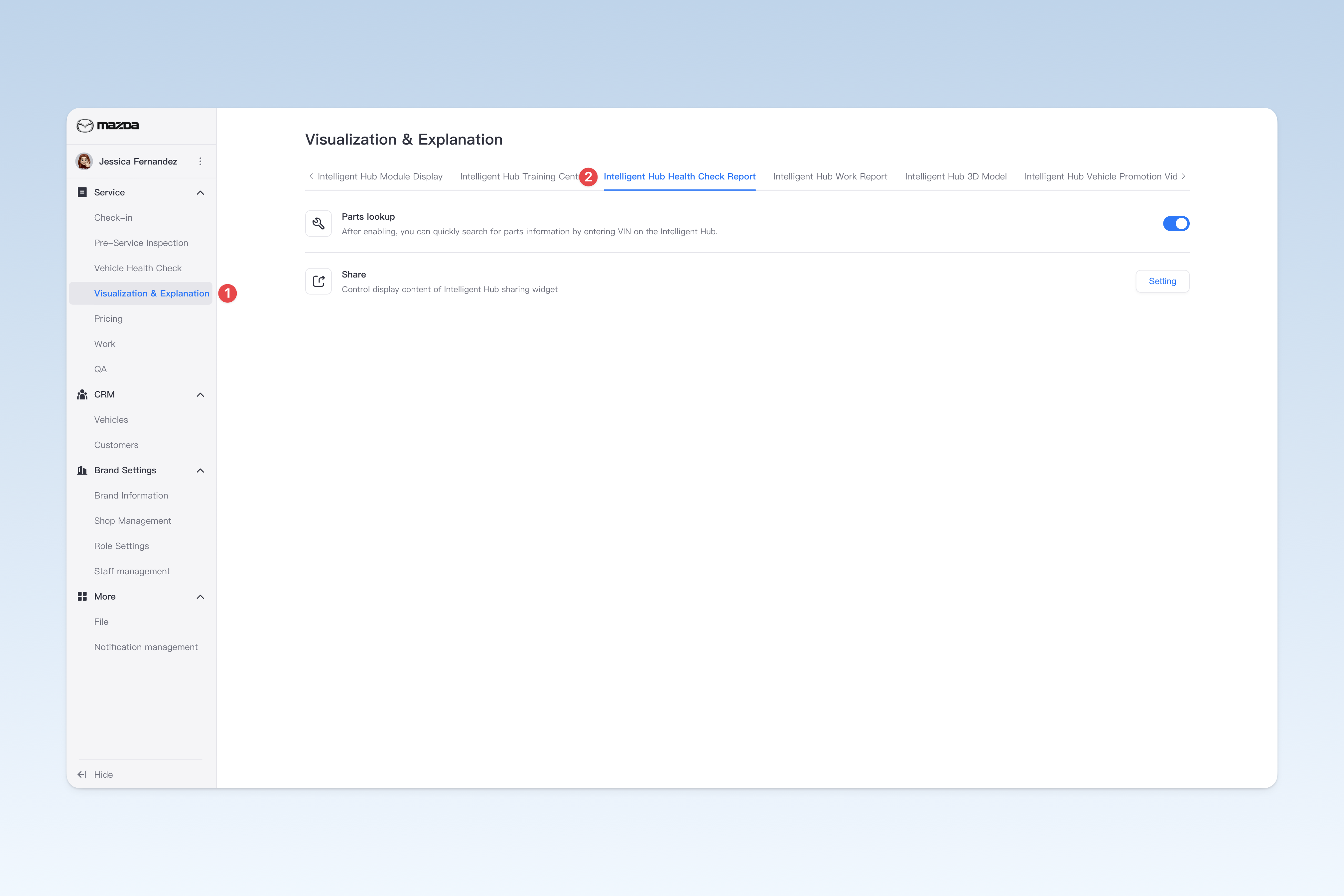
Parts Lookup
In the Intelligent Hub app's health check report or work report page, click the [Parts Lookup] button and enter the VIN to quickly search for parts information for that vehicle (only available in Mainland China).
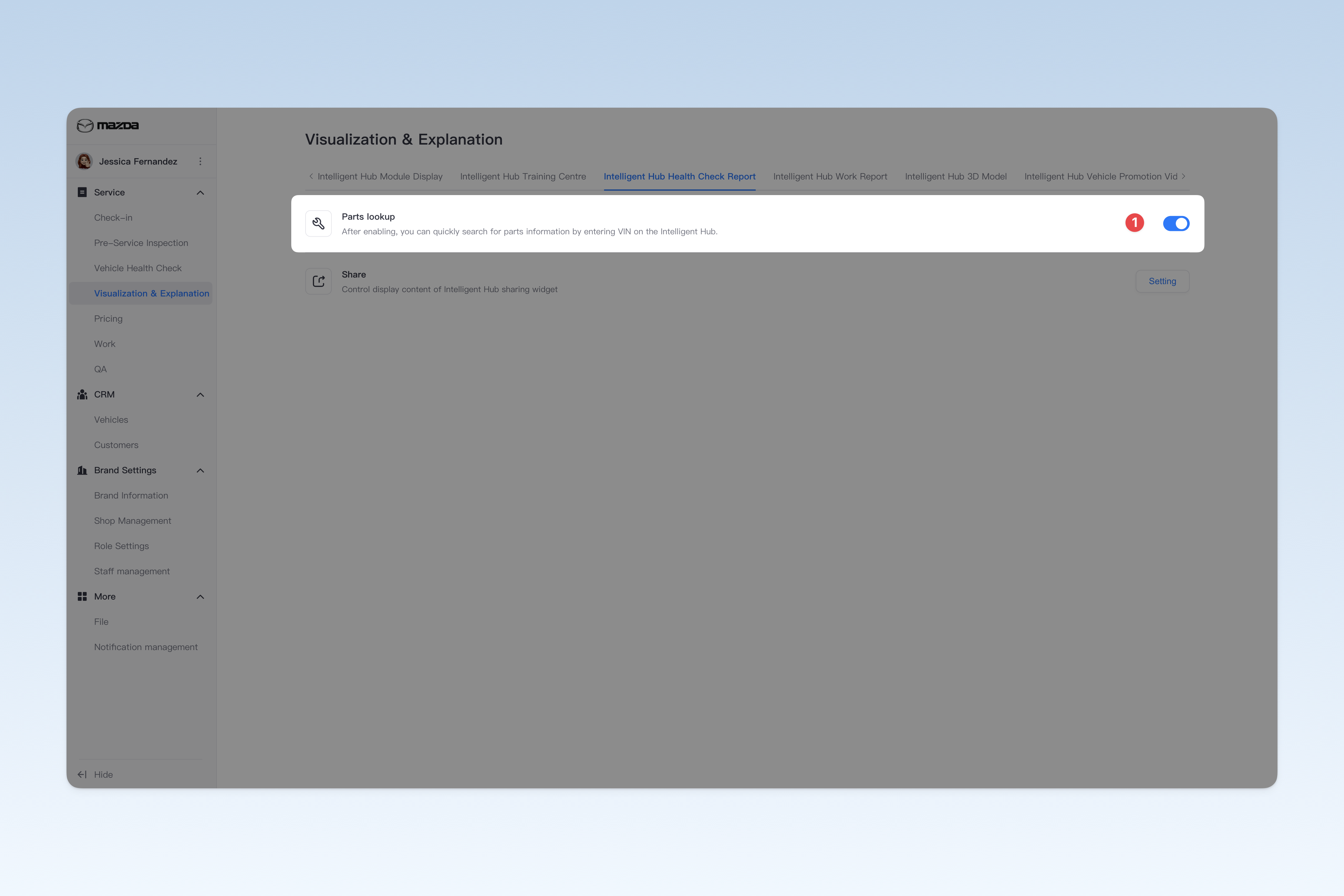
Share
You can customize the display content of the "Share" widget on the health check report overview page in the Intelligent Hub app. The system has integrated all shareable content into this widget. You can flexibly control the specific content to be shared based on your company's actual business needs. This allows you to optimize the customer experience and ensure that only relevant and important sharing options are displayed.
Click the [Setting] button on the right of "Share Settings". In the pop-up "Share Settings" window, you can choose to enable or disable sharing for the following 8 items:
- Mobile health check report
- Follow official account
- Download app
- Pre-service inspection report
- Pricing list
- Bind vehicle
- Service certificate
- Mini-program
⚠️ Note: After disabling related content, the Intelligent Hub app will not be able to share these contents on the health check report page.