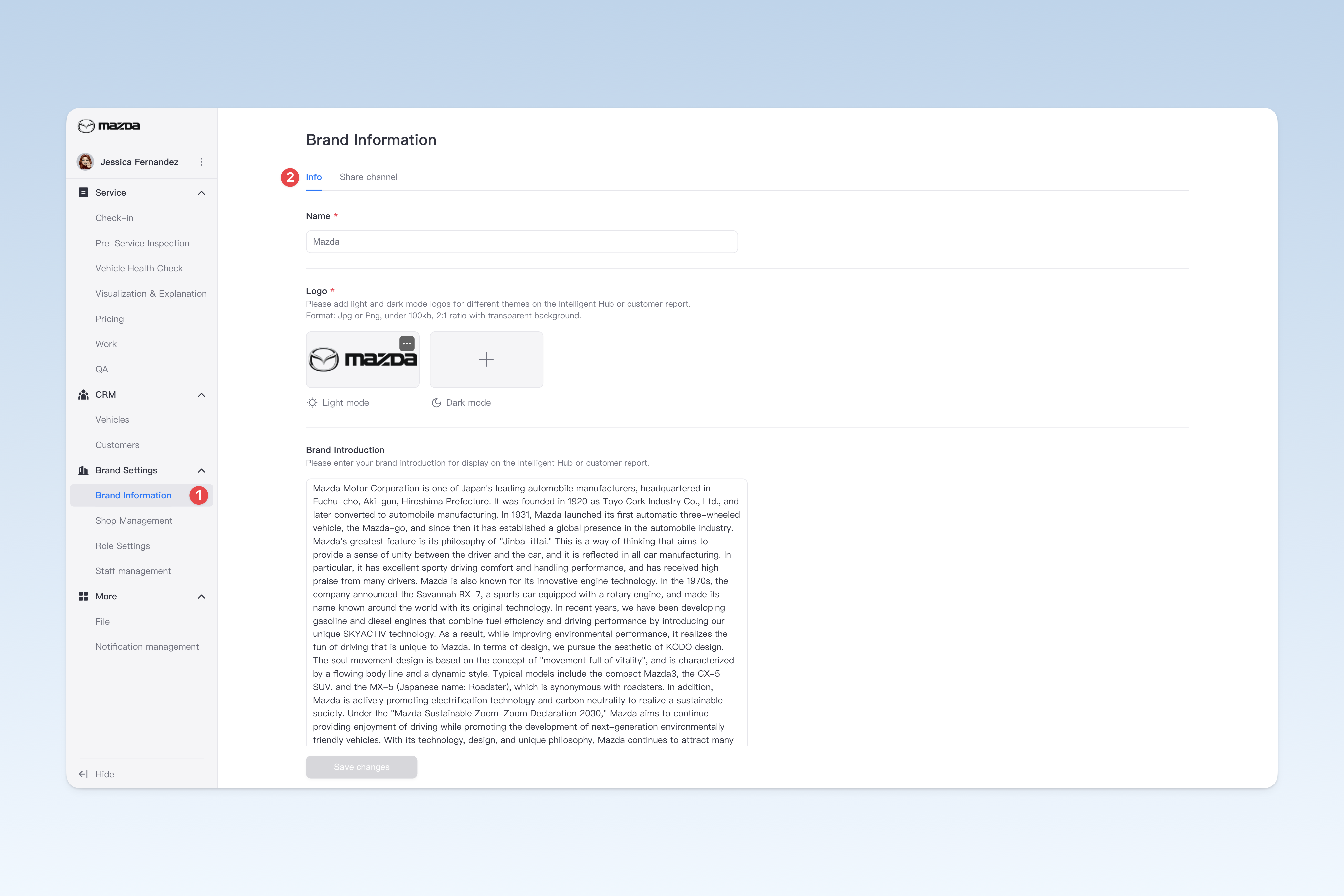
Configure Basic Brand Information
When you first activate the AutoX3 service, you need to configure some basic information about your group's brand, including the brand name, brand logo, and brand introduction. This information will help showcase your brand image across AutoX3's various products, ensuring customers can recognize and understand your brand.
📍 You can configure this content in: AutoX3 Brand Management Dashboard > Brand Settings > Brand Information > Basic Information.
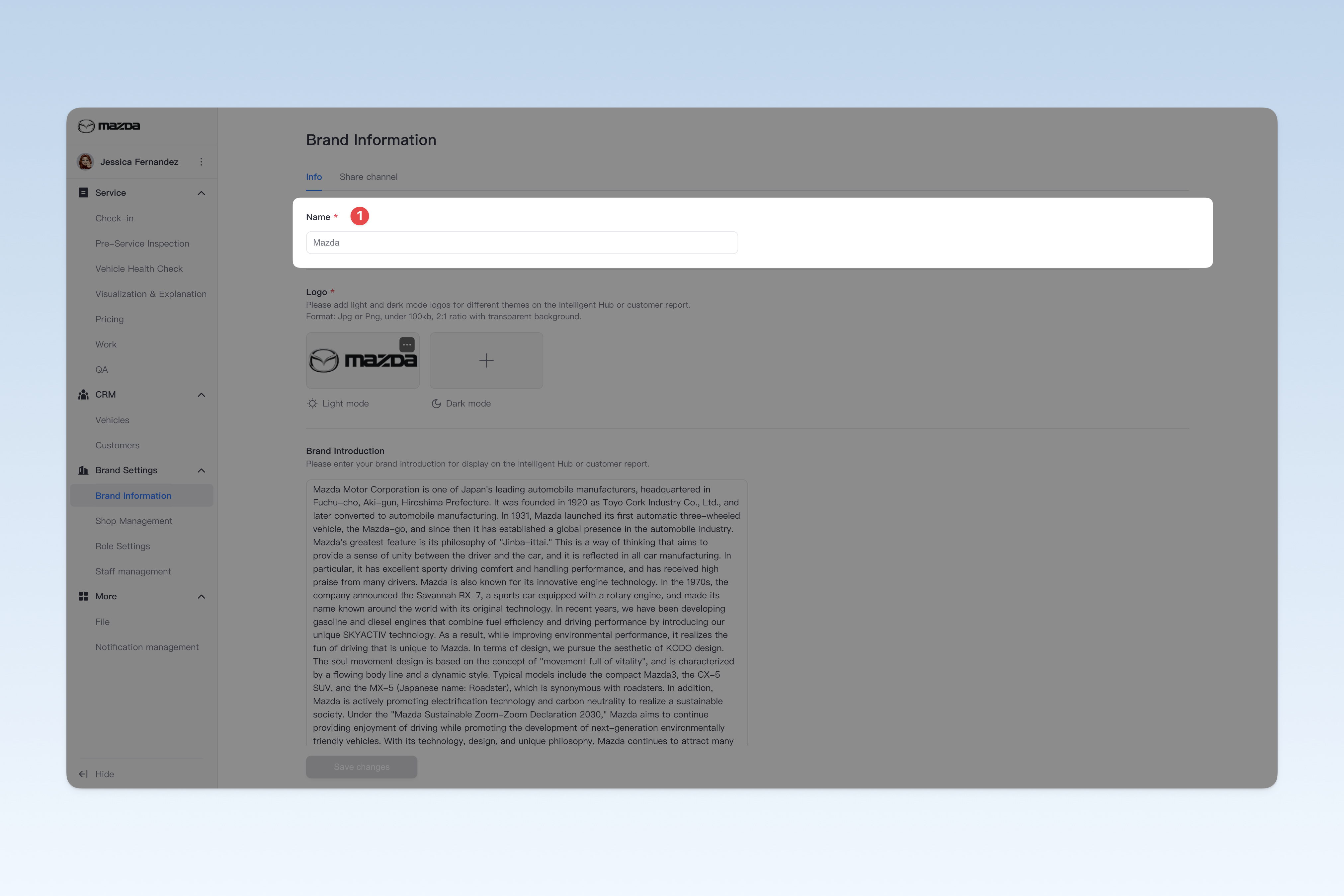
Brand Name
In the brand name input field, fill in your group's name.
⚠️ Note: This name should be consistent with the company/product name used in your group's external publicity, so that users can better identify and understand your company and brand image.
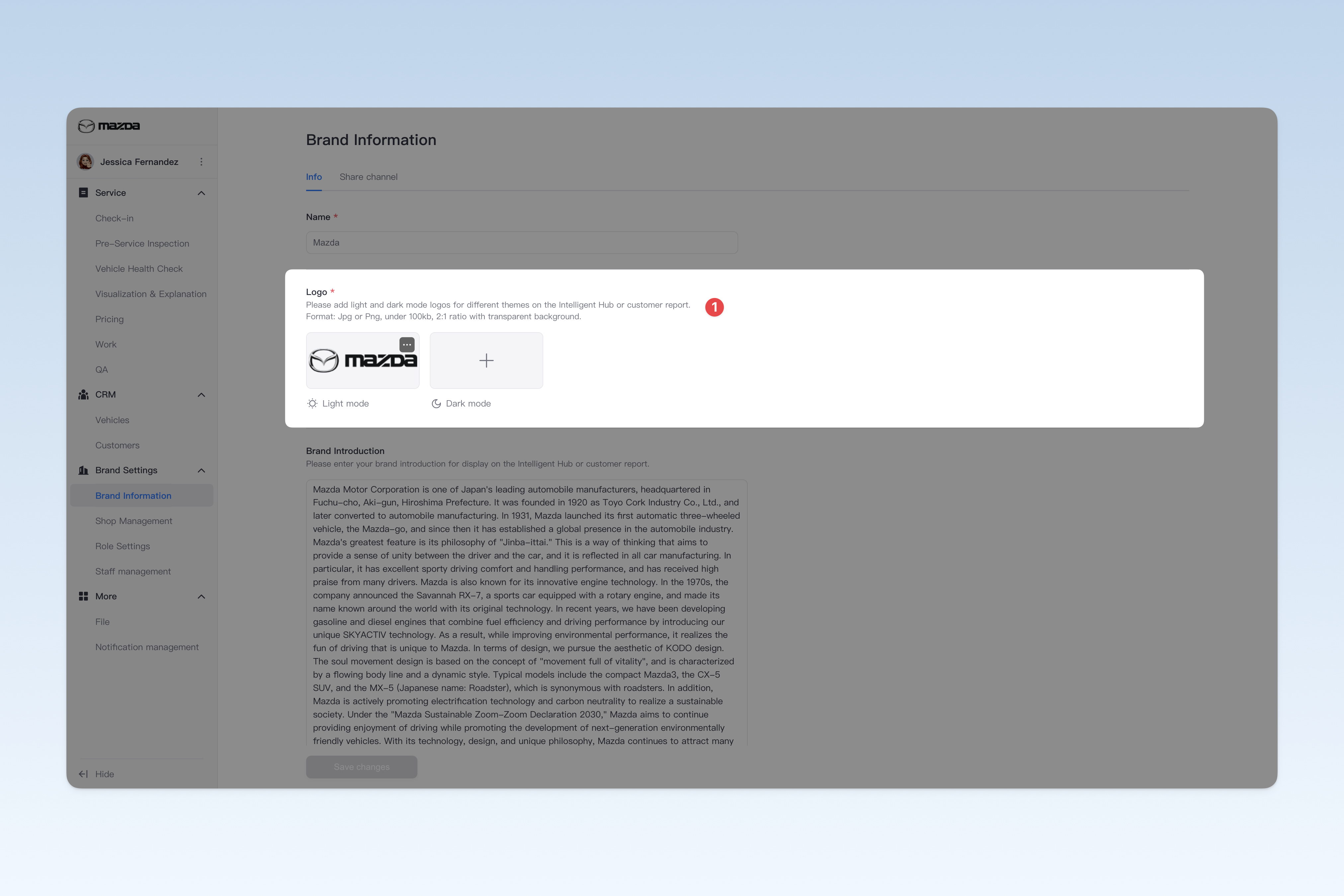
Brand Logo
In AutoX3's series of products, some products support switching to dark mode to provide a more comfortable reading experience at night.
⚠️ Note: If your uploaded logo contains black elements, it may blend with the dark background in dark mode, affecting the logo's readability. To address this, AutoX3 provides an option to upload a dark mode-specific logo. It is recommended to upload a logo adapted by your designer to ensure clear and recognizable display in dark mode.
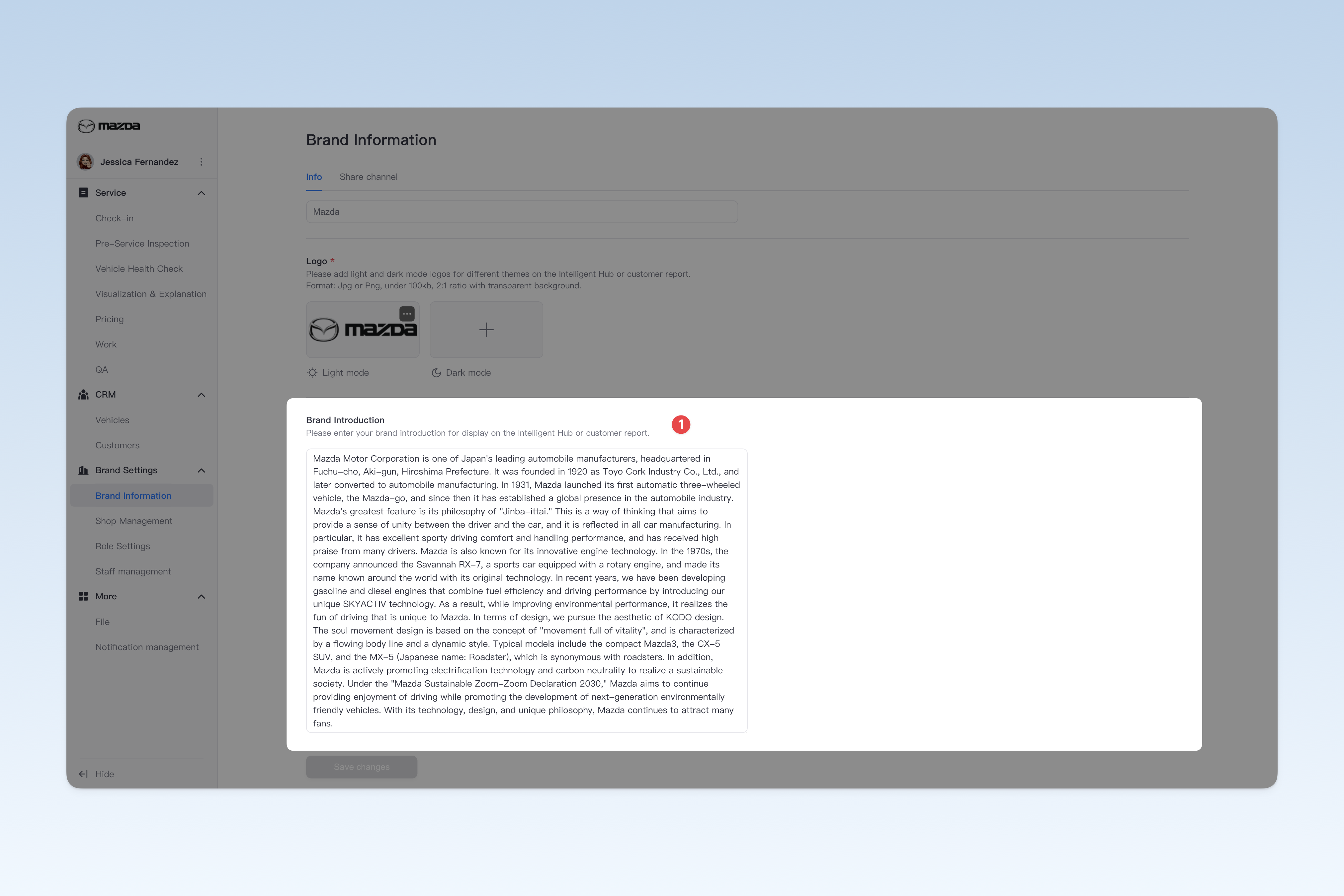
Brand Introduction
In the brand introduction input field, fill in a brief description of your group (currently only text input is supported). This introduction will be used to showcase to customers in certain scenarios, such as H5 inspection reports, Intelligent Hub group introduction, etc., to help customers gain a more comprehensive understanding of your group and its background.