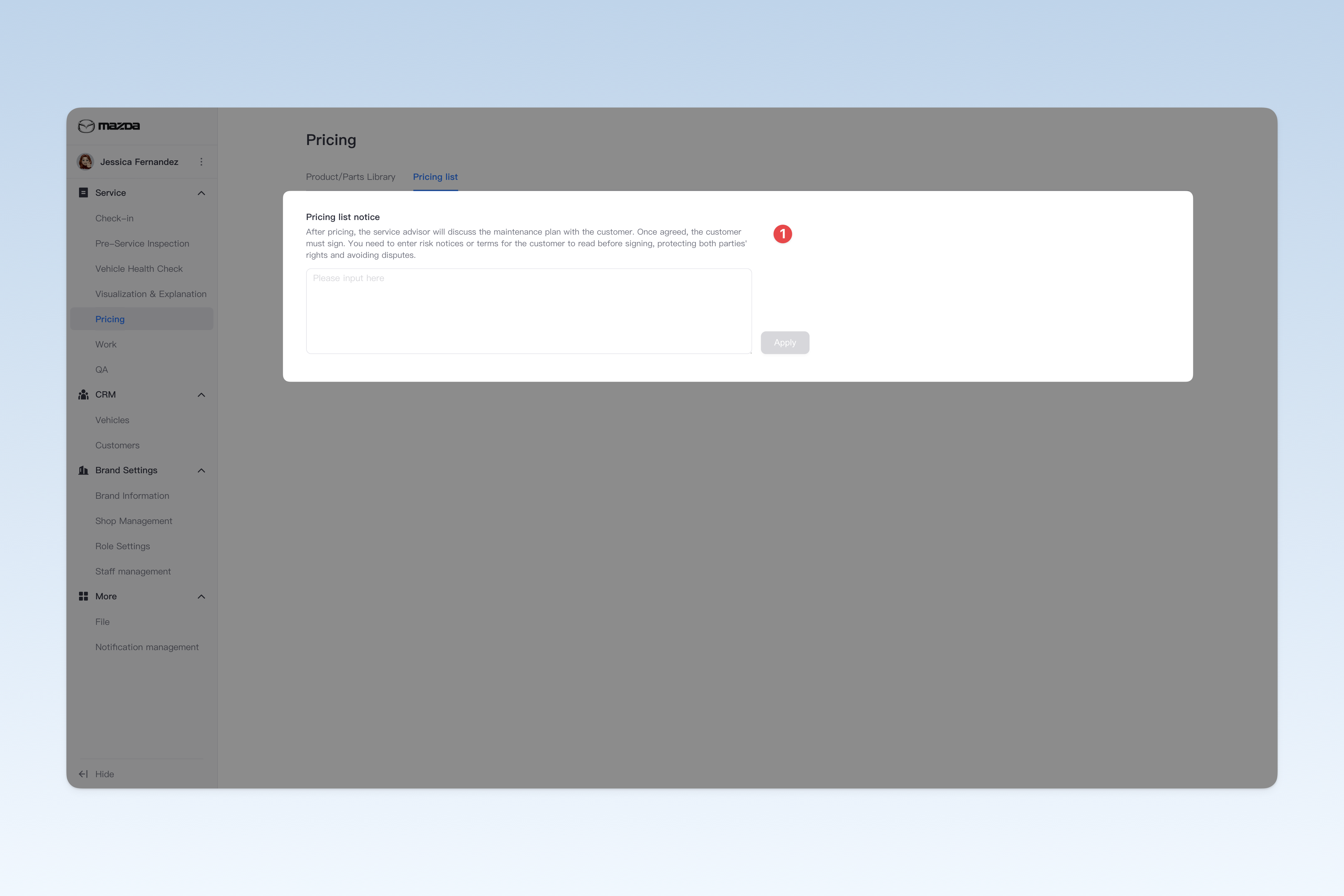
◎ Pricing List Settings
After completing the inspection, a clear and detailed pricing list of service items will be provided to the customer based on specific vehicle problems, listing the specific costs of each service. This page allows for some preferential settings for the "pricing list". These settings usually serve to standardize the process and are therefore mandatory configurations. Non-brand administrators do not have permission to change them.
📍 You can configure related content in: AutoX3 Brand Management Dashboard > Service Management > Pricing Management > Pricing List.
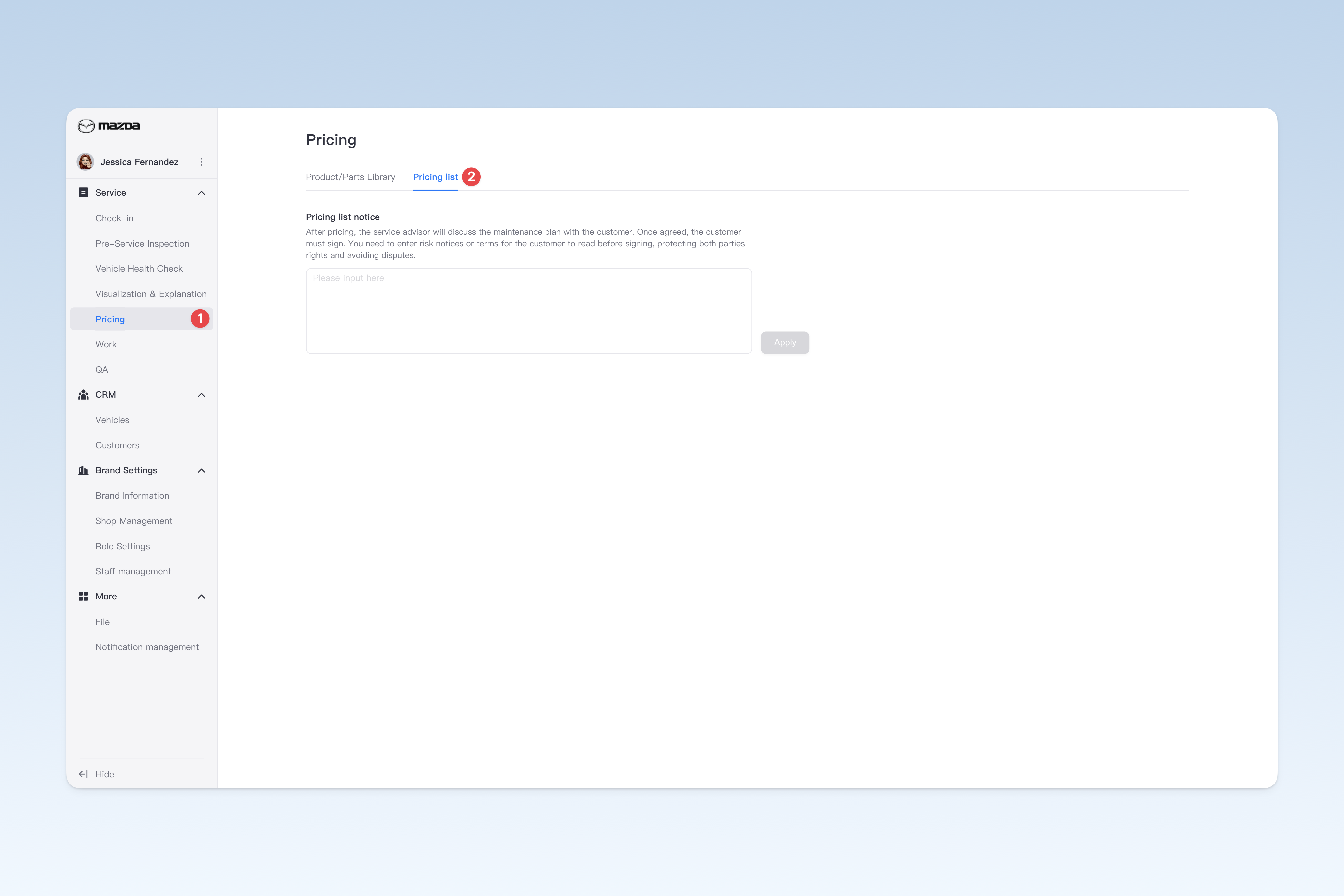
Setting Pricing List Notice
During pricing confirmation, the service advisor will discuss the repair plan with the customer in detail and clarify the specific service items to be performed. After obtaining the customer's consent, the customer needs to sign for confirmation. Therefore, you need to enter the group's risk notice or user agreement for the customer to read the terms before signing, to protect the legal rights and interests of both parties and avoid unnecessary disputes.
⚠️ Note: If you do not fill in the inspection notice, the system's preset terms will be displayed when the customer signs.