Shop Permissions
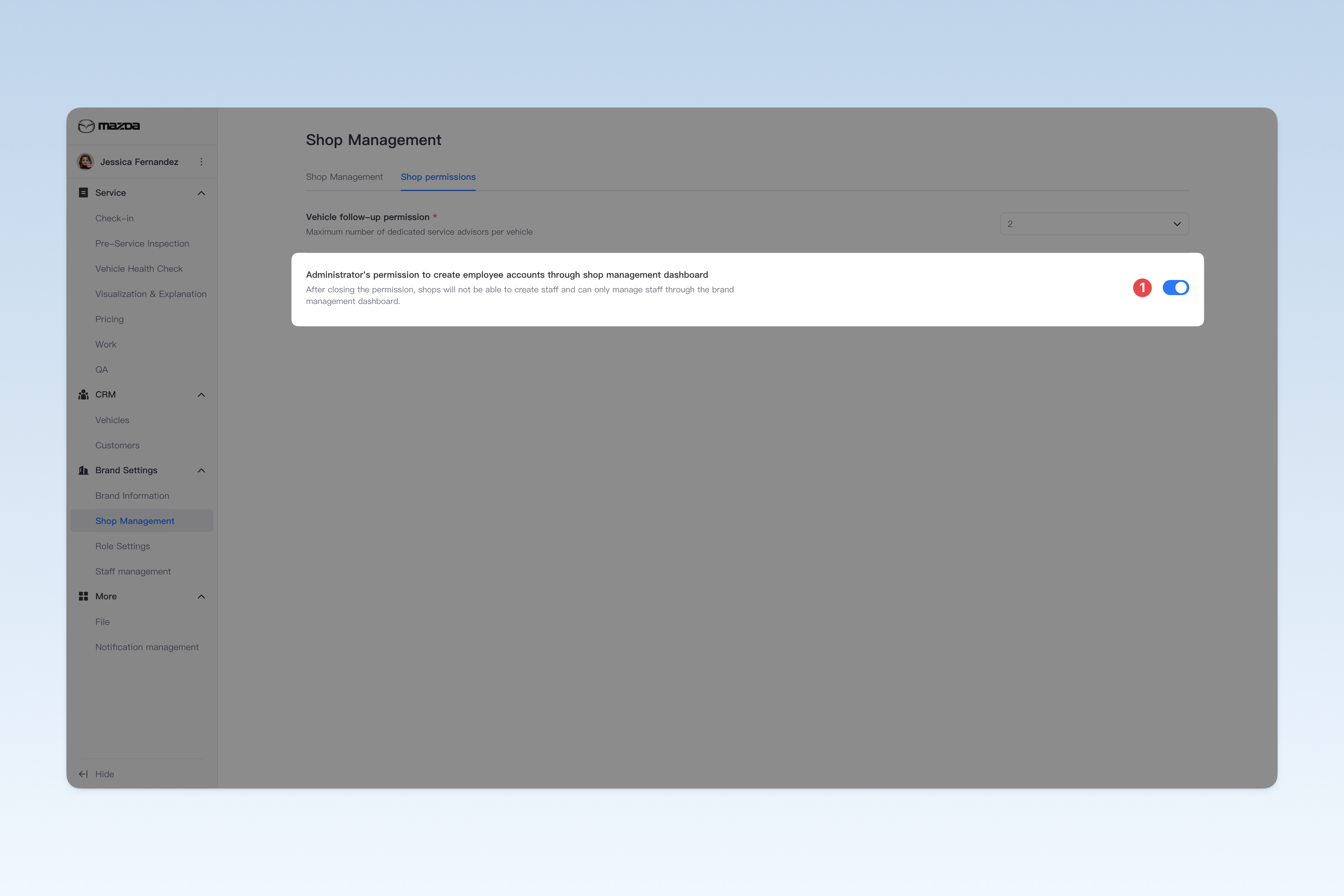
Shop permissions are used to configure relevant permissions for shops.
tip
📍 You can configure related content in: AutoX3 Brand Management Dashboard > Brand Management > Shop Management > Shop Permissions.
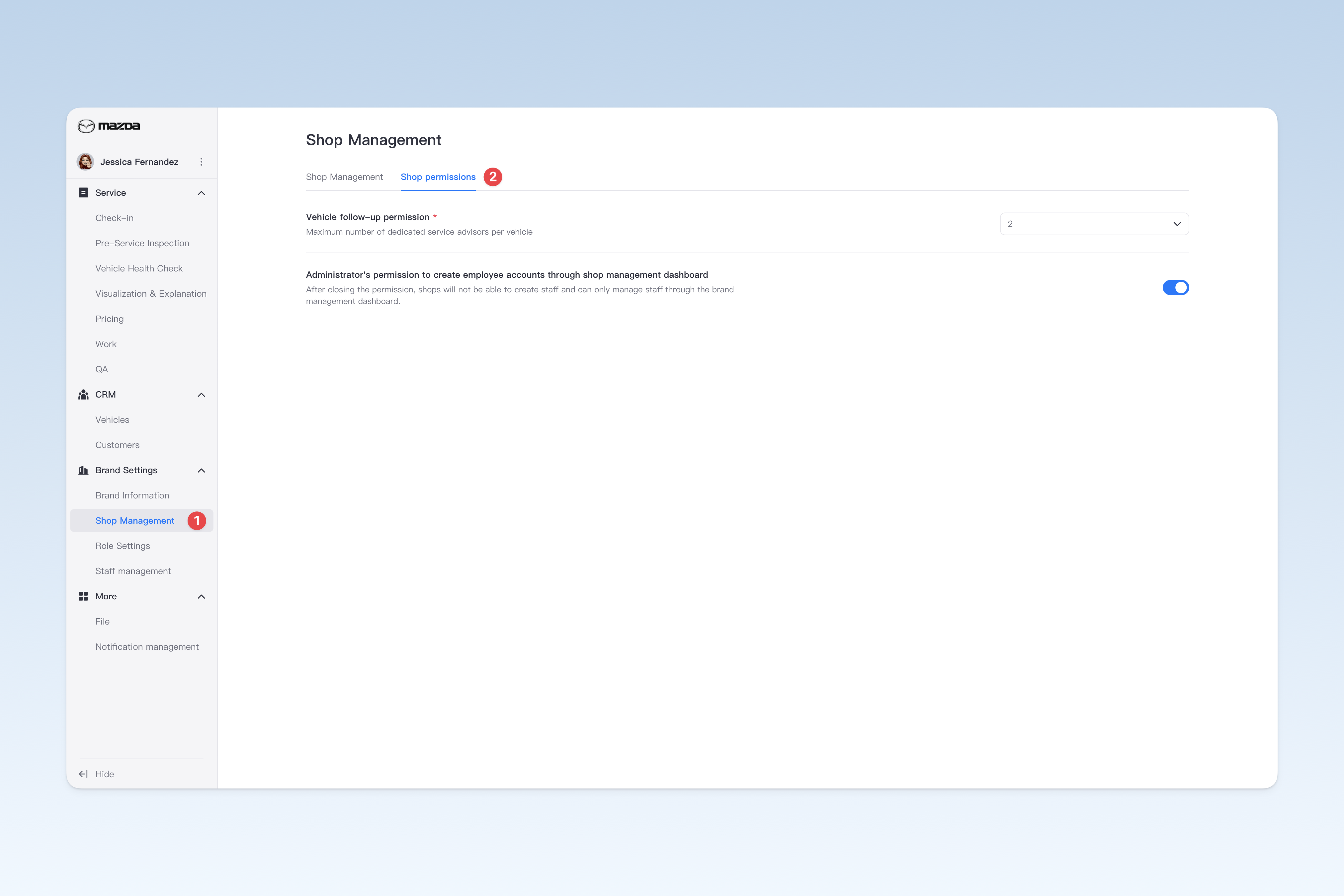
Vehicle Follow-up Permission
You can set the maximum number of dedicated service advisors for each received vehicle (i.e., the maximum number of service personnel assigned to each vehicle).
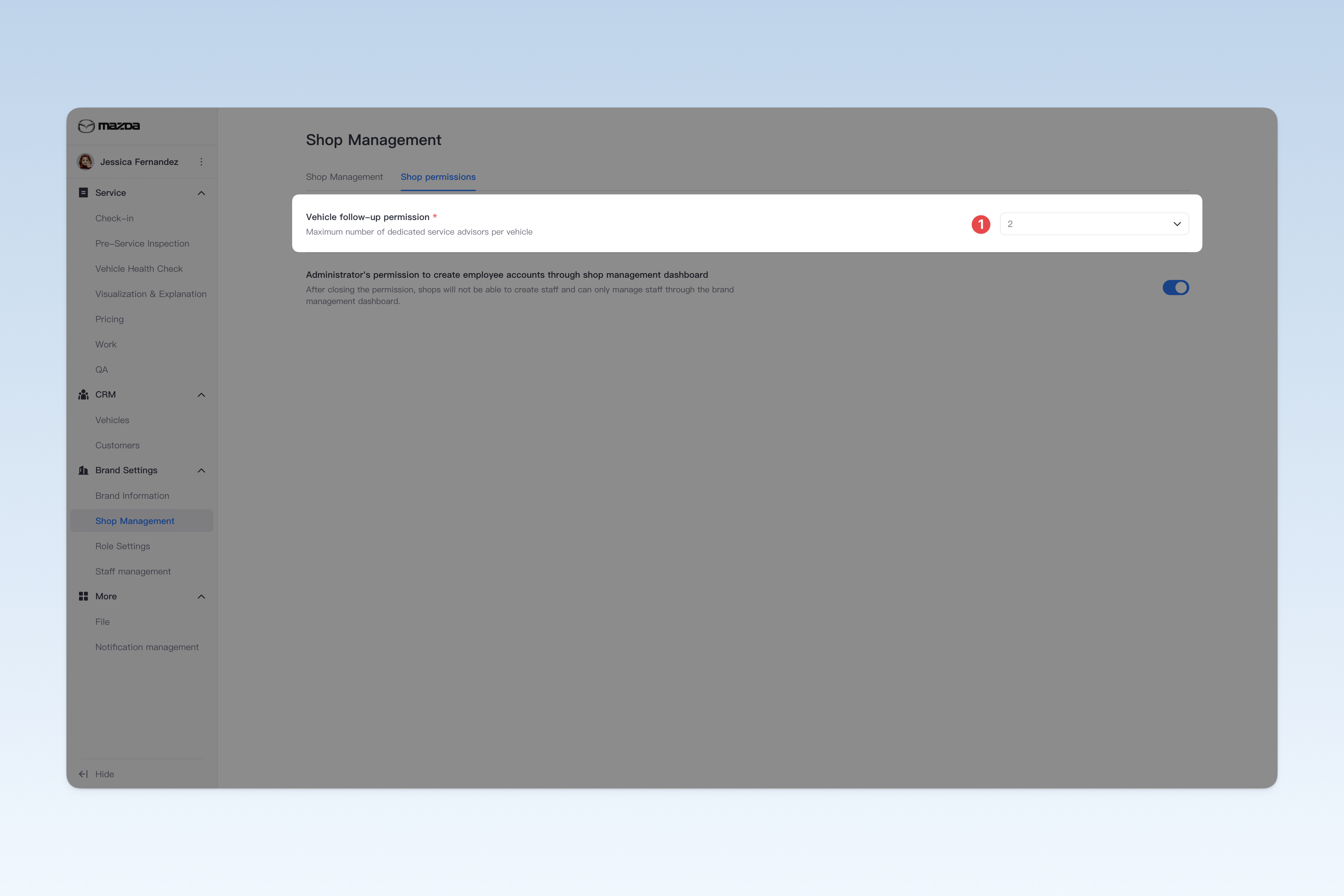
Permission for Creating Staff Accounts in Shop Management Dashboard
When this permission is enabled, administrators can add and manage employees of their shops through the "Shop Management Dashboard", flexibly adjusting personnel configuration. When this permission is disabled, all new employee operations will be centrally executed by the "Brand Management Dashboard", and shops cannot add employees on their own.